Tax & E-Kassa
E-Kassa for Restaurants in Azerbaijan, from Receipt to Z Report
How E-Kassa works in restaurants in Azerbaijan: fiscal receipts, shifts, X and Z reports, refunds, common register errors and key questions for a provider.
UniPOS9 min read
Owners of restaurants, cafés and fast-food outlets in Azerbaijan inevitably have to work with E-Kassa. Tax rules, the fiscal device, the provider and the POS software are closely connected, which makes the subject appear more complex than it is. The underlying logic is straightforward. Once your team understands it, most day-to-day errors at the register can be prevented.
This article explains step by step how E-Kassa works in a restaurant: what data the POS sends to the fiscal device, which operations a cashier performs during the day, which errors are most common in new venues and which questions to put to a provider. The final section describes how the process is set up in UniPOS.
Contents
What E-Kassa is and why fiscal receipts matter
E-Kassa is the common name for Azerbaijan's system of online cash registers used to record sales. The principle is simple: every sale passes through a fiscal device, and the device transmits the data to the tax authority.
The fiscal receipt should not be confused with the pre-check. The pre-check that a waiter brings to the table is for information only: it shows the guest the items ordered and the amount due. The fiscal receipt is the official document printed by the fiscal device after payment has been accepted. It usually carries a fiscal identifier and a QR code, which the guest can use to verify that the sale has been registered.
For a restaurant owner, fiscal receipts matter for three reasons:
- Compliance. Recording sales through an online register is a core requirement of the tax rules. For exact requirements and recent changes, please refer to the State Tax Service portal, e-taxes.gov.az. Any unclear points should be clarified with your accountant or a tax advisor.
- Reporting. When fiscal data matches the POS reports, your accountant can close the month faster, and there is no need to investigate discrepancies in revenue.
- Guest experience. Many guests request a receipt and check it. A missing receipt can undermine an otherwise positive impression of the service.
E-Kassa is a system rather than a single device. Several providers on the market supply fiscal devices and related services, each with its own hardware, software and technical support. The POS software works together with the device of one of these providers. In practice, a business makes two decisions: the POS system and the fiscal provider. The efficiency of daily operations depends on how well these two systems work together.
How the POS connects to the fiscal device
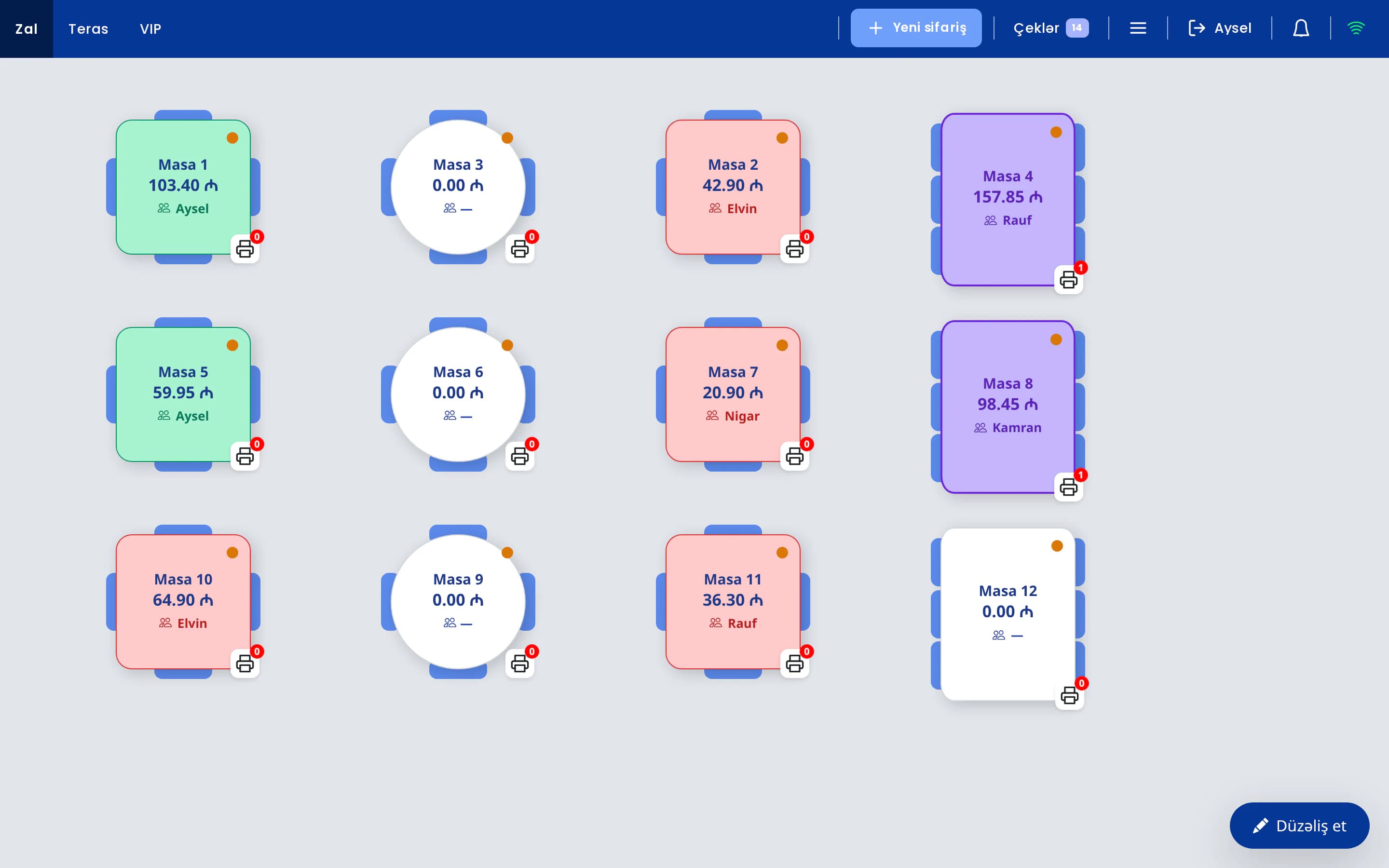
A restaurant operates two separate systems. The POS manages orders, tables, the kitchen and reporting. The fiscal device issues official receipts and transmits tax data. The purpose of the integration is to ensure that the cashier never enters the same sale twice. The process usually follows these steps:
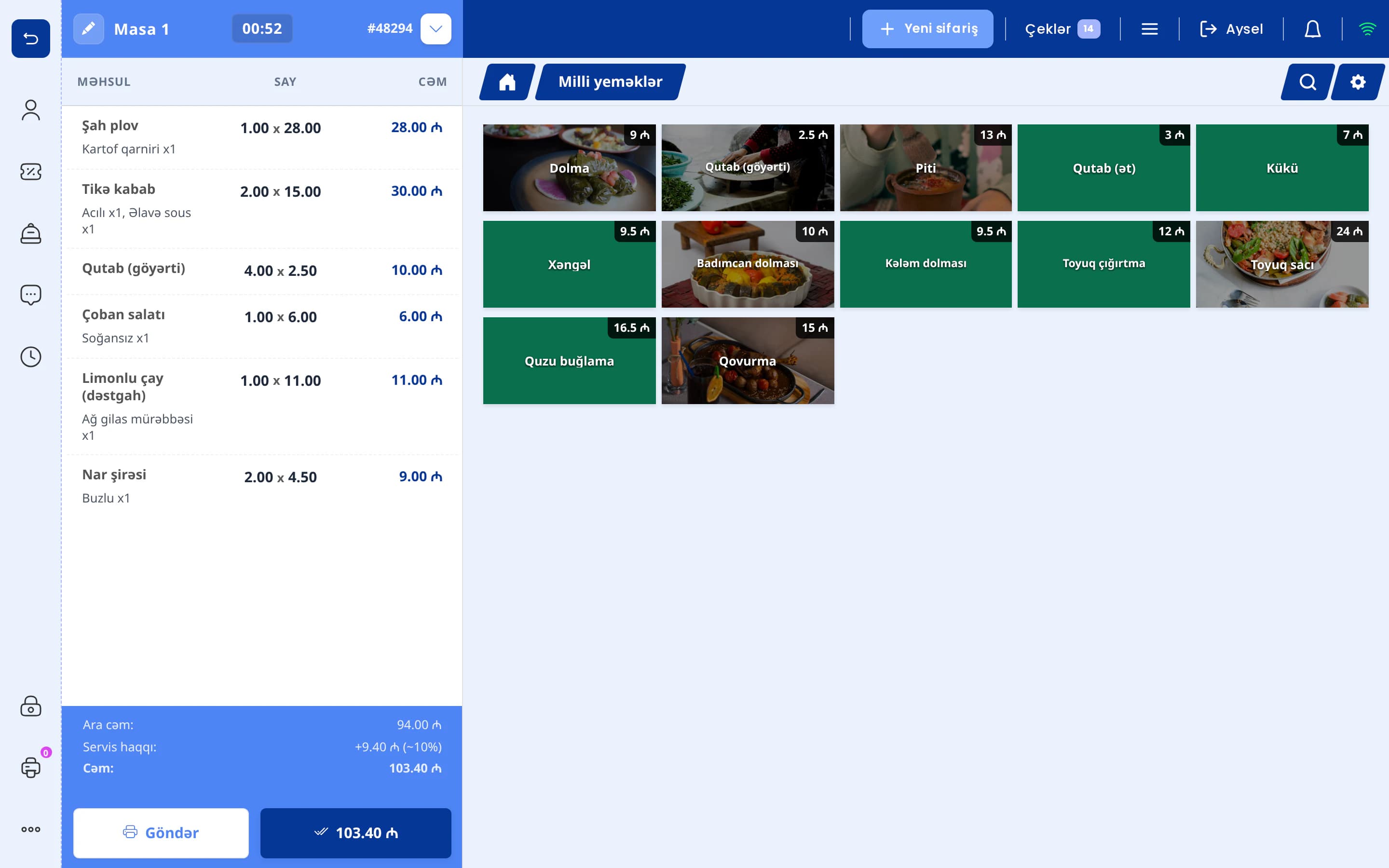
- The POS creates the check. The waiter takes the order, the kitchen prepares it and the guest requests the bill. When the cashier closes the check, the POS compiles the items, prices, discount, service charge and payment method.
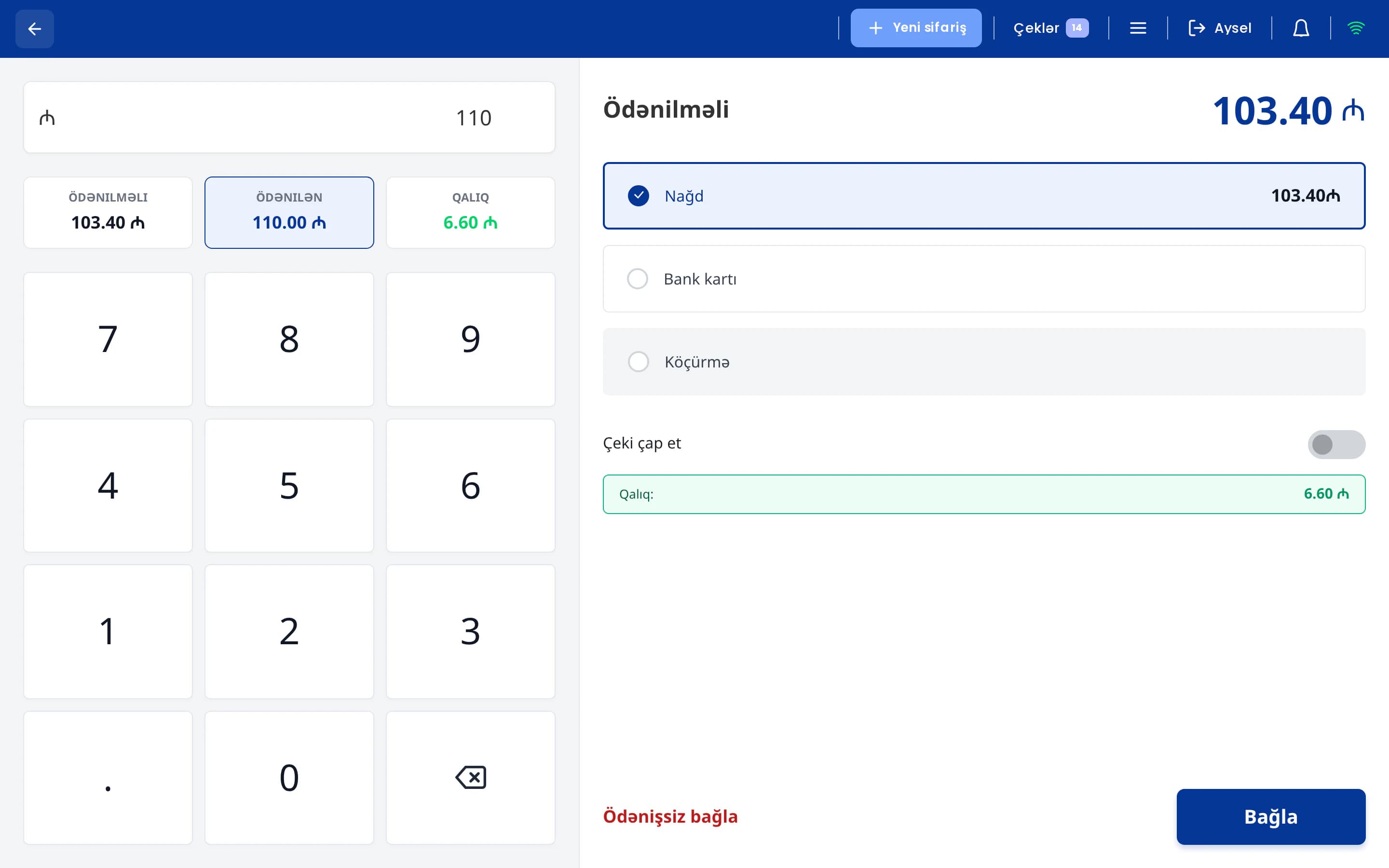
- The data is sent to the fiscal device. The POS transmits the data to the selected provider's device. The cashier does not re-enter the amount on a separate machine.
- The fiscal receipt is printed. The device registers the sale, prints the receipt and sends the data to the tax system. The POS receives the response and marks the check as fiscalized.
Most errors occur when amounts are entered manually a second time. On a busy Friday evening, a cashier under time pressure may type 43.50 instead of 34.50 or record a card payment as cash. When the data is transferred from the POS to the device automatically, the fiscal receipt matches the POS check exactly, and the guest receives it immediately after payment. The technical details are described on our E-Kassa integration page.
From opening the shift to the Z report
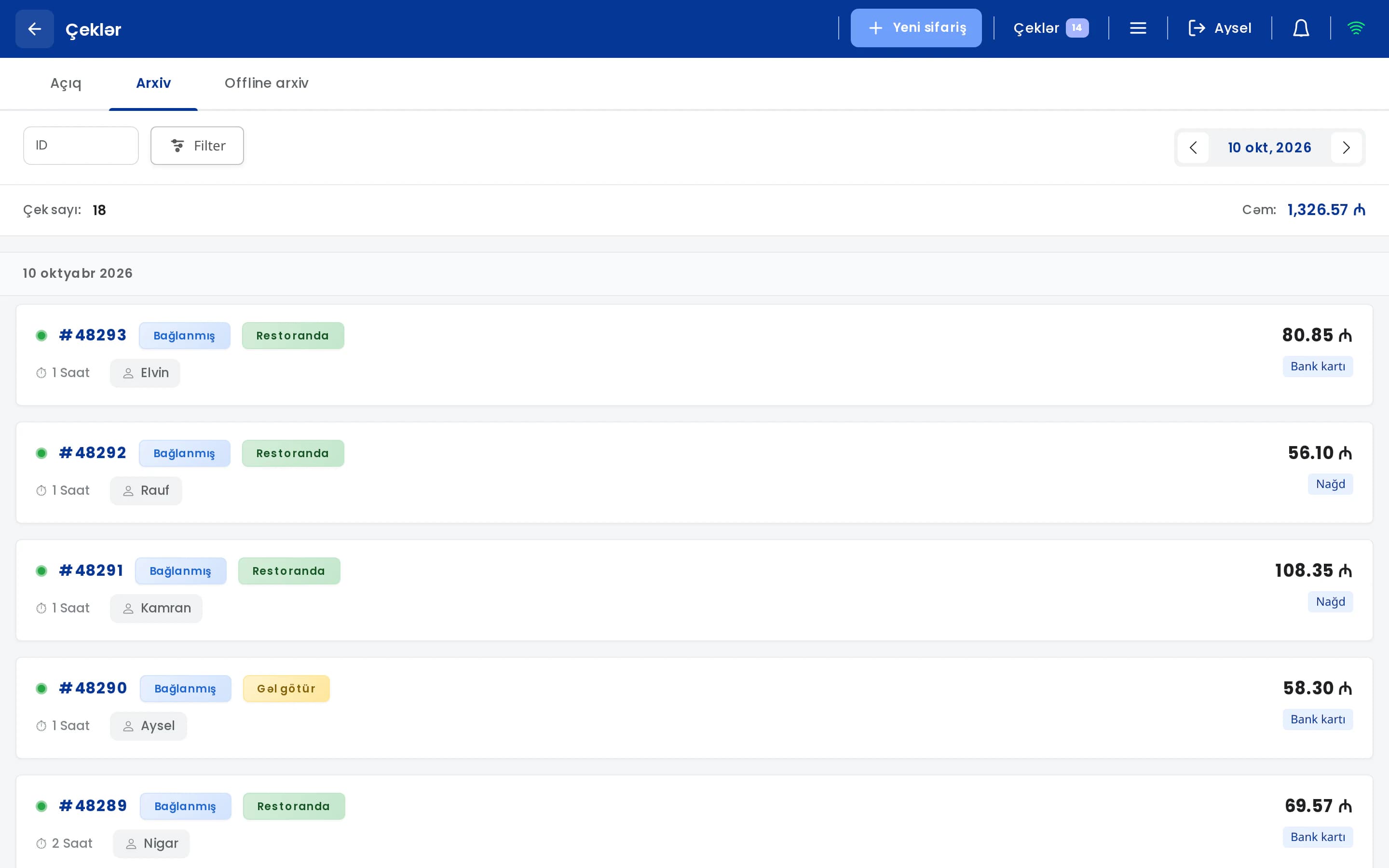
Work on a fiscal register is organized around the shift. The shift is opened in the morning, sales and refunds are processed during the day, interim reports are generated as needed and the shift is closed at the end of the day. The main operations are as follows:
| Operation | Function | When it is used |
|---|---|---|
| Open shift | Starts a new working day on the fiscal device | In the morning, before the first sale |
| Sale | Registers the closed check and prints a fiscal receipt | After every payment |
| Refund | Creates a refund receipt for a closed check and reduces the daily totals | When funds are returned to a guest |
| X report | Shows current totals without closing the shift | During the day, at cashier handover, during cash reconciliation |
| Periodic report | Generates totals for a selected period | At month end, for accounting |
| Receipt copy | Prints a copy of a fiscal receipt already issued | When a guest loses the receipt or the printer jams |
| Bank card operations | Processes card payments through the fiscal device | For card payments, where supported by the provider |
| Close shift (Z) | Closes the shift and prints the final Z report | At the end of the day, after the last check |
A typical working day proceeds as follows. In the morning, the cashier opens the shift and, before the first sale, confirms that the device is online and that there is sufficient receipt paper. Every check closed during the day is sent to the fiscal device. At 4:00 p.m. the cashiers change over: the manager generates an X report and reconciles the cash in the drawer against it. After the last table has paid, the shift is closed and the Z report is printed. The next morning, the accountant has the day's figures available.
Bank card operations
With some providers, card payments are also processed through the fiscal device. The cashier selects "card" in the POS, the amount is sent to the device and the guest presents the card. Once the payment is approved, the fiscal receipt is printed. There is no need to re-enter the amount on a separate bank terminal, which removes the risk of keying errors. The card operations available depend on the provider and the device model, so we recommend confirming this before connection.
Receipt copy
If a guest loses the receipt, the printer jams or the accountant requests a copy, a new sale must not be processed, as the same amount would be registered twice. In such cases, a copy of the fiscal receipt should be printed.
Common errors at the register
Most problems are caused by working habits rather than by hardware. In newly opened venues, the following errors occur frequently during the first months:
- Failing to close the shift. The venue closes late and the cashier leaves without running the Z report. The next morning the device may not allow new sales, and the first guests have to wait. Fiscal devices usually do not permit a shift to remain open beyond a certain period. Please confirm the exact rule with your provider and include the shift closing in your end-of-day checklist.
- Refunds outside the system. A guest is dissatisfied, the cashier returns cash from the drawer and the transaction is not recorded anywhere. The sale remains in the report, while the drawer shows a shortfall. Always process refunds against the closed check in the POS, so that both the POS report and the fiscal data remain accurate.
- Mismatched payment types. The POS records "card" while the fiscal receipt shows "cash", or the other way round. This is usually caused by incorrectly configured payment methods. At month end, the bank statement, the POS report and the tax data do not reconcile. Configure each payment method carefully and verify it with a test receipt.
- No procedure for internet outages. Internet connections can fail. How the POS and the fiscal device behave during an outage are separate questions. Only the provider can state precisely which operations the device supports offline, how long it stores data and how the data is transmitted later. Obtain this information in advance and prepare a short instruction sheet for staff.
- Issuing the pre-check instead of the fiscal receipt. A waiter hands the guest the pre-check, accepts payment, and no fiscal receipt is printed. The rule is clear: the pre-check presents the bill, and after payment the guest receives a fiscal receipt.
- Discounts and complimentary items not recorded on the check. If a discount is not applied to the check in the POS, the amount on the fiscal receipt will differ from what the guest paid. Discounts, complimentary items and service charges must always be recorded on the check in the POS.
All of these errors are prevented in the same way: every cash movement goes through the POS, and staff follow a defined end-of-day procedure.
End-of-day checklist
We recommend printing this checklist and keeping it next to the register. The check takes a few minutes and prevents problems the following morning:
- No open checks or unpaid tables remain.
- All refunds for the day were processed against closed checks in the POS.
- An X report has been generated and the cash in the drawer reconciled against it. Any discrepancy and its cause were recorded the same evening.
- Card payment totals match the totals of the bank terminal or the fiscal device.
- The fiscal shift is closed and the Z report has been printed.
- Spare receipt paper is available for the next day.
Experienced cashiers complete these steps as a matter of routine. New employees may overlook a step during their first weeks, and the checklist is intended for exactly this situation.
Key criteria for choosing a provider
A provider is selected once, but the decision affects daily operations for years. In addition to price, we recommend obtaining answers to the following questions:
- Does the provider integrate with your POS? Without integration, the cashier will have to enter every sale twice. This is the most important question.
- Which operations can be performed from the POS? Sale, refund, X and periodic reports, opening and closing the shift, receipt copies and card operations. Ask about each one separately.
- How does the device operate without internet? Clarify which operations remain available, where the data is stored and how it is transmitted once the connection is restored.
- How is technical support organized? If the device stops working at 9:00 p.m. on a Saturday, you should know in advance whom to contact and how quickly assistance will be provided.
- Is the device type suitable for your venue? Some providers offer a standalone unit, others a smart terminal. Consider the location of the register, your printers and card payments.
- What is required for several registers or branches? Is a separate device needed for each register? Can you select in the POS which device to use?
The most reliable verification is a live test. Process several test sales and one refund, generate an X report and close the shift. Then compare the figures in the POS with those on the fiscal device. A broader checklist is available in our article 10 things to check when choosing a restaurant POS.
E-Kassa integration in UniPOS
UniPOS POS integrates directly with five E-Kassa providers: Omnitech, Sunmi/Caspos, OneClick/Vizar, DataPay and AzSmart/SmartOne. All operations listed in the table above are performed from the register:
The POS also provides a quick panel for E-Kassa operations, and its reports include a separate tax section. Fiscal receipts printed on Sunmi and TapXPhone devices also include the bank transaction details.
Two settings in the back office are particularly relevant. First, each payment method has a fiscal flag, so you determine which payment methods are sent to the fiscal device. This setting prevents the card and cash mismatch described above. Second, the back office contains a separate tax report, which allows your accountant to review tax data separately from the sales reports.
The sales shift in the POS can be made mandatory, in which case a cashier cannot start work without opening a shift. Refunds are processed against closed checks, and important actions are retained in the operation history (audit log). In the UniPOS Manager app, the owner receives POS notifications on their phone, including fiscal events.
E-Kassa integration in a live demo
In a demo, we will show how sales, refunds and shift closing work in UniPOS with your fiscal provider.
Book a demo