Control and security
Restaurant Theft Prevention and Cash Control for Owners
How restaurants lose money at the register and how to prevent it: voids, comps, discounts, shift close, stock counts and a daily checklist for owners.
UniPOS10 min read
Restaurants rarely lose money in one dramatic event. More often a little leaks away every shift. Sales for the month look normal, yet the cash in the drawer, the card terminal report and the stock on the shelves don't line up. The cause isn't always theft. Very often the figures are distorted by a payment logged under the wrong method, an item removed without a reason or a free dessert that never went through the register. Deliberate abuse does happen, though, and it hides in exactly that kind of noise.
This article explains where losses occur at the register and on the floor, which reports reveal them and what an owner should check every day and every week. All figures are illustrative and serve only to show the method. The goal isn't to treat staff as suspects. It's to make the author and reason behind every operation visible. That protects honest employees too: when the drawer comes up short, the history shows who did what, and nobody has to argue over guesses.
Contents
- Where restaurant losses come from
- Common register loss patterns and their signs
- Server control starts with personal logins and permissions
- Voids and pre-check control
- Closing the shift and checking cash over/short
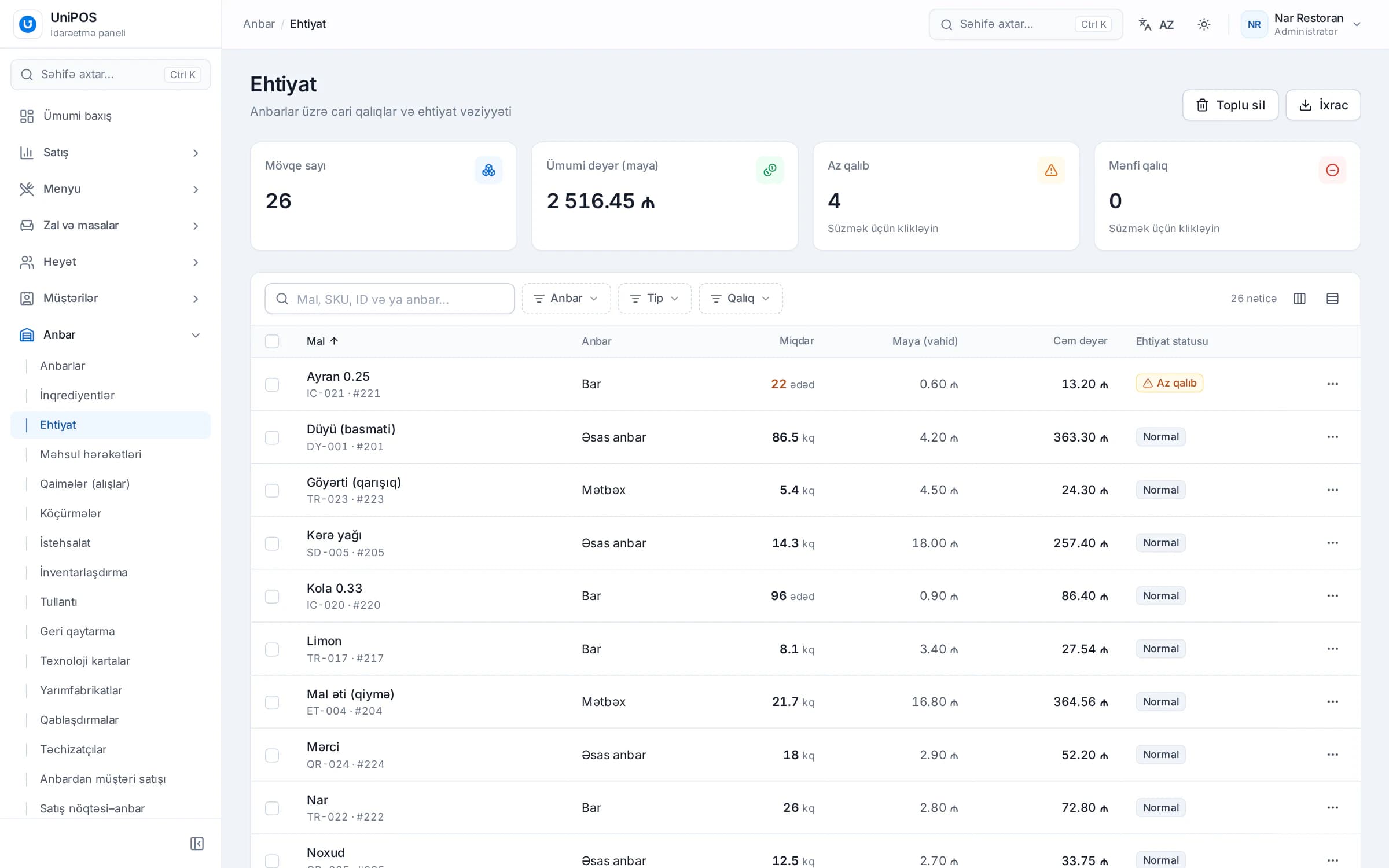
- Matching stock counts against sales
- A daily and weekly checklist for owners
- Working rules for staff
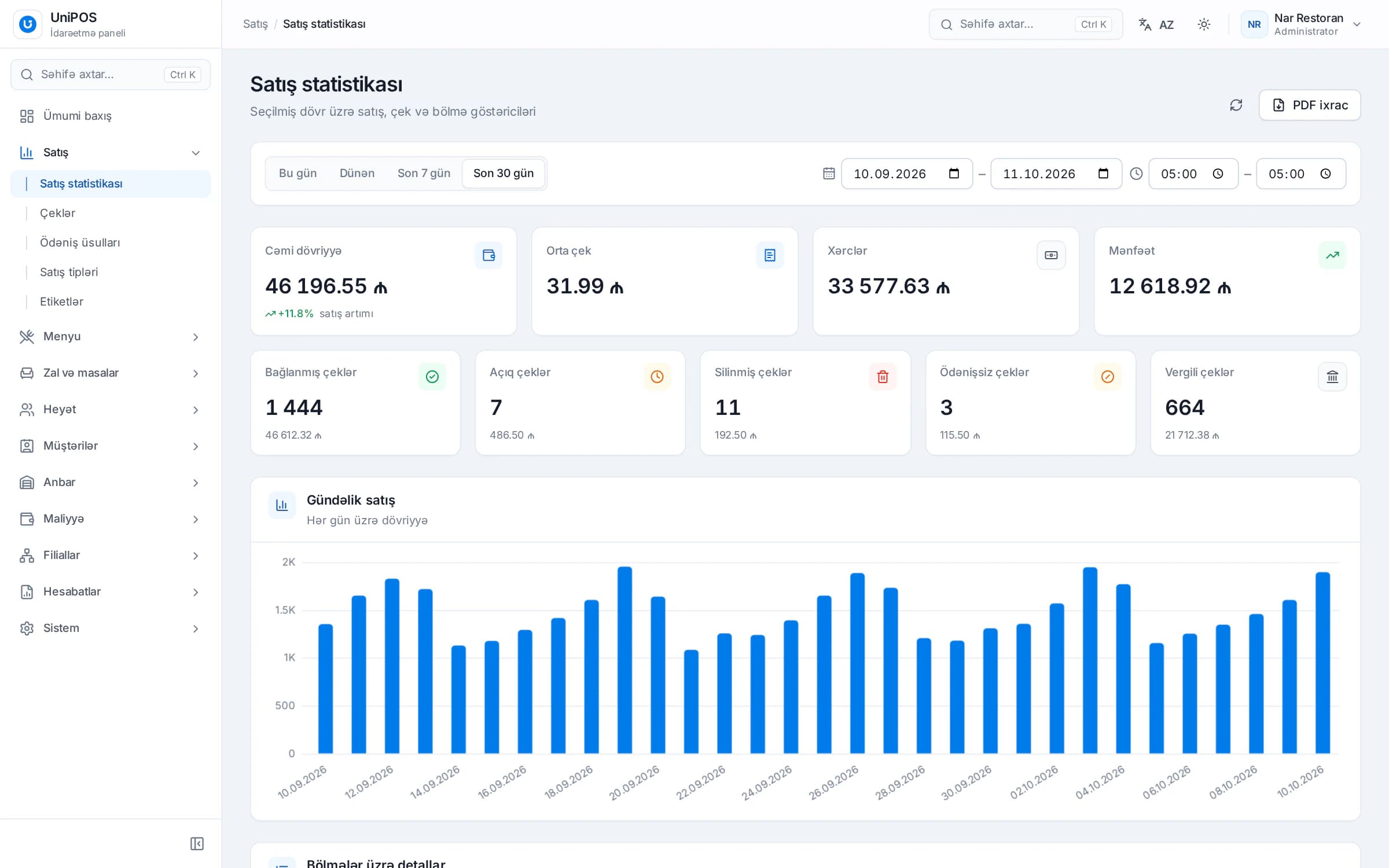
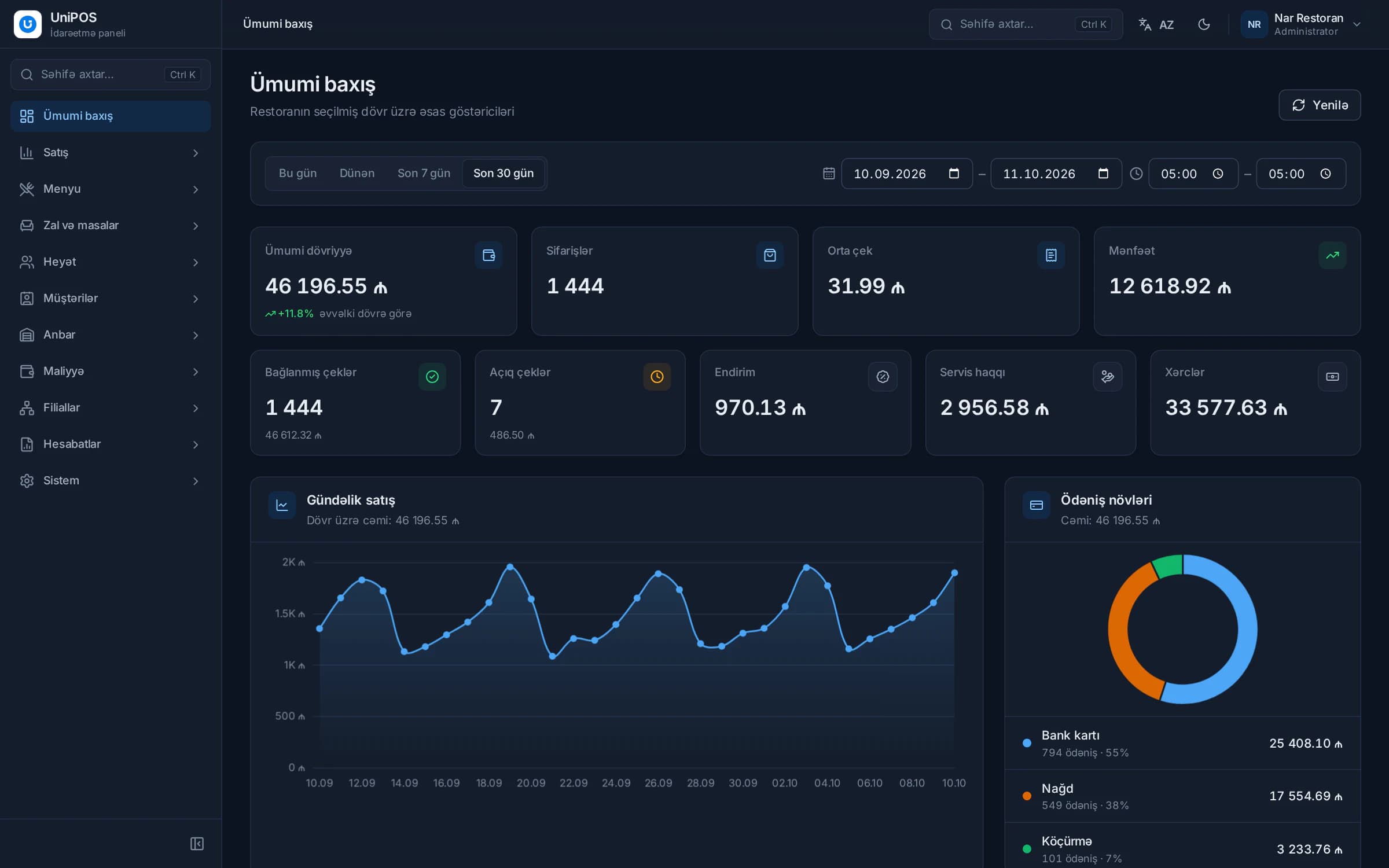
- Register and staff control in UniPOS
Where restaurant losses come from
Restaurant losses fall into three groups. The first is register operations: voids, discounts, comps, refunds and checks closed without payment. The second concerns the money itself: cash shortages, payments logged under the wrong method and gaps between the card terminal and the system. The third is the storeroom: product that leaves without being sold, usage that's never recorded and deliveries that arrive short.
All three have one thing in common. Each creates a gap between what the system shows and what actually happened. If orders are taken on paper, the whole team shares one register password or mistakes are left for later, it becomes hard to tell who created the gap. When every operation is recorded under a named employee, finding the source becomes far simpler.
The same applies to cafes, bars, hookah lounges and entertainment venues. Only the high-risk items change: spirits at a bar, tobacco at a hookah lounge, coffee beans and desserts at a cafe.
Common register loss patterns and their signs
The table below lists the situations restaurants and cafes run into most often, how each one appears in the reports and what to check first.
| Situation | How it happens | Where it shows up |
|---|---|---|
| Void after the kitchen ticket | The dish is cooked and served, then removed from the check, while the guest pays in full. | Deletions report, void reasons, employee report |
| Reused pre-check | The guest receives a pre-check and pays, and the check is reduced or deleted afterwards. | Checks changed after the pre-check, pre-check print count |
| Deleted check | The whole check is deleted as "opened by mistake", although the guest was served. | Deleted check archive, reason and time |
| Unrecorded sale | The order goes to the kitchen or bar verbally and never enters the register. | Unexplained usage in the stock count |
| Unauthorized discounts and comps | An item is closed as a comp or the check is discounted, while the guest pays the full amount. | Discount and comp reports, comparison by employee |
| Closing without payment and refunds | A check is closed without payment, or a refund is posted against a closed check. | Checks closed without payment, refunds report |
| Switched payment method | A card payment is recorded as cash, or the other way round. | Cash and card totals compared with the terminal report |
| Check moved to another table or server | Items are moved to another table or the check is reassigned, which blurs responsibility. | The check's operation history |
None of these situations proves abuse on its own. A void may simply mean the guest changed their mind, and a discount may have been approved by the manager. What deserves attention is a repeating pattern: the same employee, the same hours, the same reason.
Server control starts with personal logins and permissions
Reports are only useful when every operation is tied to a specific person. If the whole team works under one password, the deletions report tells you that something was removed, but not who removed it. That's why the first step is organizational rather than technical.
- A personal PIN or RFID card for every employee. PINs aren't shared and lost cards are blocked. When someone leaves, their access is revoked the same day.
- Automatic screen lock. An idle register should return to the PIN screen. Otherwise the next operation is recorded under the previous employee.
- Permissions that match the role. Servers take orders and print pre-checks. Voiding items already sent to the kitchen, discounts, comps, refunds, closing without payment and manual price changes should be reserved for a manager or cashier.
- A mandatory reason. For every void, comp and refund the employee picks a reason from a list: "guest declined", "entered by mistake", "spoiled in the kitchen", "manager's instruction". Keep the list short and clear.
- Access levels in the back office. The accountant sees reports but can't change prices. The stock keeper enters stock but may not need access to sales reports.
The finer the permissions, the harder it is for one person both to perform an operation and to approve it. In a small cafe one person often holds several roles. In that case the operation history and the owner's regular review become the main control tools.
Voids and pre-check control
Voids themselves are normal. Guests change their minds, servers tap the wrong item, a steak gets burned. What matters is the stage at which the void happens:
- Before the item is sent to the kitchen. Nothing has been prepared and no stock has been used. This is a routine correction.
- After the item is sent to the kitchen. The dish is being or has been prepared and ingredients are used up. Such a void needs a reason and should be tracked separately.
- After the pre-check is printed. The guest has already seen the total. Reducing the check at this stage deserves the closest attention, because the guest may pay the printed amount while the system records less.
Two rules are enough to control pre-checks. First, once the pre-check is printed, the check should be locked and only an authorized employee should be able to change it. Second, the system should record how many times a pre-check was printed for each check. A check with three or four pre-check prints needs an explanation.
A weekly comparison by employee tells you more than reviewing individual voids. An example with illustrative numbers:
| Server | Sales (AZN) | Voided after kitchen (AZN) | Void rate | Discounts (AZN) | Discount rate | Comps (AZN) |
|---|---|---|---|---|---|---|
| A | 6,400 | 38 | 0.6% | 64 | 1.0% | 22 |
| B | 5,900 | 41 | 0.7% | 59 | 1.0% | 18 |
| C | 6,100 | 214 | 3.5% | 305 | 5.0% | 96 |
| D | 4,800 | 29 | 0.6% | 48 | 1.0% | 15 |
For three servers, voids after the kitchen ticket are 0.6-0.7% of sales and discounts are 1%. Server C shows a 3.5% void rate and a 5% discount rate. That's a reason to ask questions, not a conclusion. Server C may work the banquet hall, where the manager approves discounts. Start by checking the reasons and times of those voids and whether they came after a pre-check. If the picture is still unclear, review the specific checks together with the employee.
Void rate = amount voided after the kitchen ticket ÷ employee's sales × 100
Track it weekly. Compare employees with each other and each employee with their own previous weeks. There's no universal "normal" figure; use your venue's own average as the baseline.
Closing the shift and checking cash over/short
Cash control starts with the shift. When the shift opens, the float in the drawer is counted and recorded. When it closes, the cash is counted again and compared with the cash payments in the system. Card payments are reconciled with the terminal's end-of-day report.
One person should be responsible for the drawer during a shift. When the drawer is handed over, the cash is counted and the shift is closed. Otherwise there's no way to tell at what time and on whose shift a shortage appeared. An example shift close with illustrative numbers:
| Item | Amount (AZN) |
|---|---|
| Opening float | 100.00 |
| Cash payments per system | 1,860.00 |
| Cash refunds | −45.00 |
| Expected cash in drawer | 1,915.00 |
| Counted cash | 1,872.00 |
| Cash short | −43.00 |
| Card payments per system | 2,410.00 |
| Card terminal report | 2,453.00 |
| Terminal over | +43.00 |
At first glance the drawer is 43 AZN short. But the card terminal shows exactly 43 AZN more than the system. The most likely explanation: a guest paid by card and the payment was recorded as cash. Total revenue for the day is unchanged; the error is in the payment method. To confirm it, find a cash check for that amount and a terminal transaction for the same amount.
If the shortage has no match on the terminal, review that shift's checks closed without payment, cash refunds and checks changed after a pre-check. Small, irregular differences usually come from giving the wrong change. A shortage that repeats every shift, or always appears on the same person's shift, calls for a separate review. Record overages as well as shortages: more cash than the system expects also points to a recording problem.
In Azerbaijan the fiscal receipt is part of this control. Issuing a fiscal receipt for every payment is a legal requirement and keeps sales from slipping outside the books. When the register works directly with E-Kassa, the fiscal receipt prints as part of the payment and the step can't be skipped by accident.
Matching stock counts against sales
A sale that never entered the register won't appear in any register report, because there's no transaction to show. Only the stock count reveals it. The principle is simple: what leaves the storeroom during a period should equal sales, comps and documented write-offs. A one-week example for bottled beer, with illustrative numbers:
| Item | Quantity (bottles) |
|---|---|
| Opening stock | 96 |
| Received during the week | 240 |
| Closing stock per count | 58 |
| Actual usage (96 + 240 − 58) | 278 |
| Sold through the register | 262 |
| Recorded as comps | 4 |
| Written off with a reason (broken) | 2 |
| Explained usage | 268 |
| Variance | 10 |
That's 10 bottles unaccounted for in one week. At a cost of 1.60 AZN and a menu price of 4.00 AZN per bottle, the loss is 16 AZN at cost and 40 AZN in lost revenue. If the pattern holds for four weeks, lost revenue on this one item reaches 160 AZN. Such a variance usually has one of three causes: unrecorded sales, unrecorded comps or short deliveries.
You don't need to count the whole storeroom every week. For the weekly count, choose the 10-15 items with the highest loss risk: spirits, beer, coffee beans, hookah tobacco, meat and butter. Count everything else monthly, always at the same time, after closing. Recipe cards and actual versus theoretical cost are covered in detail in our inventory and food cost guide.
One simple rule also works for the kitchen and bar: nothing is prepared without a printed kitchen ticket or an order on the kitchen display. It stops verbal orders and protects the cooks too, because every dish they make is documented.
A daily and weekly checklist for owners
Control works when it's regular. A big audit once a month comes too late, while a few reports reviewed every day show problems early. Use the list below as a starting point and adapt it to your venue.
Every day, after the shift closes
- Compare cash in the drawer with cash payments in the system, and card payments with the terminal report.
- Review items voided after the kitchen ticket and their reasons.
- Check deleted checks and checks closed without payment.
- Look separately at checks changed after the pre-check was printed.
- Check total discounts, comps and refunds by employee.
- Make sure no checks are left open at the end of the day.
Every week
- Compare void, discount and comp rates by employee.
- Review the suspicious actions log and back-office changes: prices, products and permissions.
- Count the 10-15 high-risk items and match the results against sales.
- Track cash over/short by shift in one table.
- Check how often a vague reason such as "other" is selected.
Every month
- Run a full stock count and compare actual with theoretical usage.
- Review staff permissions and revoke PINs and cards of anyone who has left.
- Update the list of void and comp reasons.
- Discuss the month's results with the team.
Working rules for staff
A control system works when it's built with the team, not against it. Most variances come from mistakes, especially among new hires. That's why the rules should be written down and explained during onboarding.
- Announce the rules in advance. Write down who may void, discount and comp, and when a manager must be called.
- Explain what a personal PIN means. Every operation performed with an employee's PIN is recorded under their name.
- Discuss results with facts. Instead of general accusations, point to a specific check, date and operation. The explanation often comes up during that conversation.
- Set a clear limit for comps. Offering a regular guest a dessert or tea is normal hospitality. Record it as a comp at the register so stock and reports stay accurate.
- Make honest work visible. When the drawer is short, the operation history assigns responsibility correctly. That keeps trust within the team.
Register and staff control in UniPOS
You can run every check described above in any POS, even partly on paper. In UniPOS the tools are split between the register, the back office and the owner's mobile app.
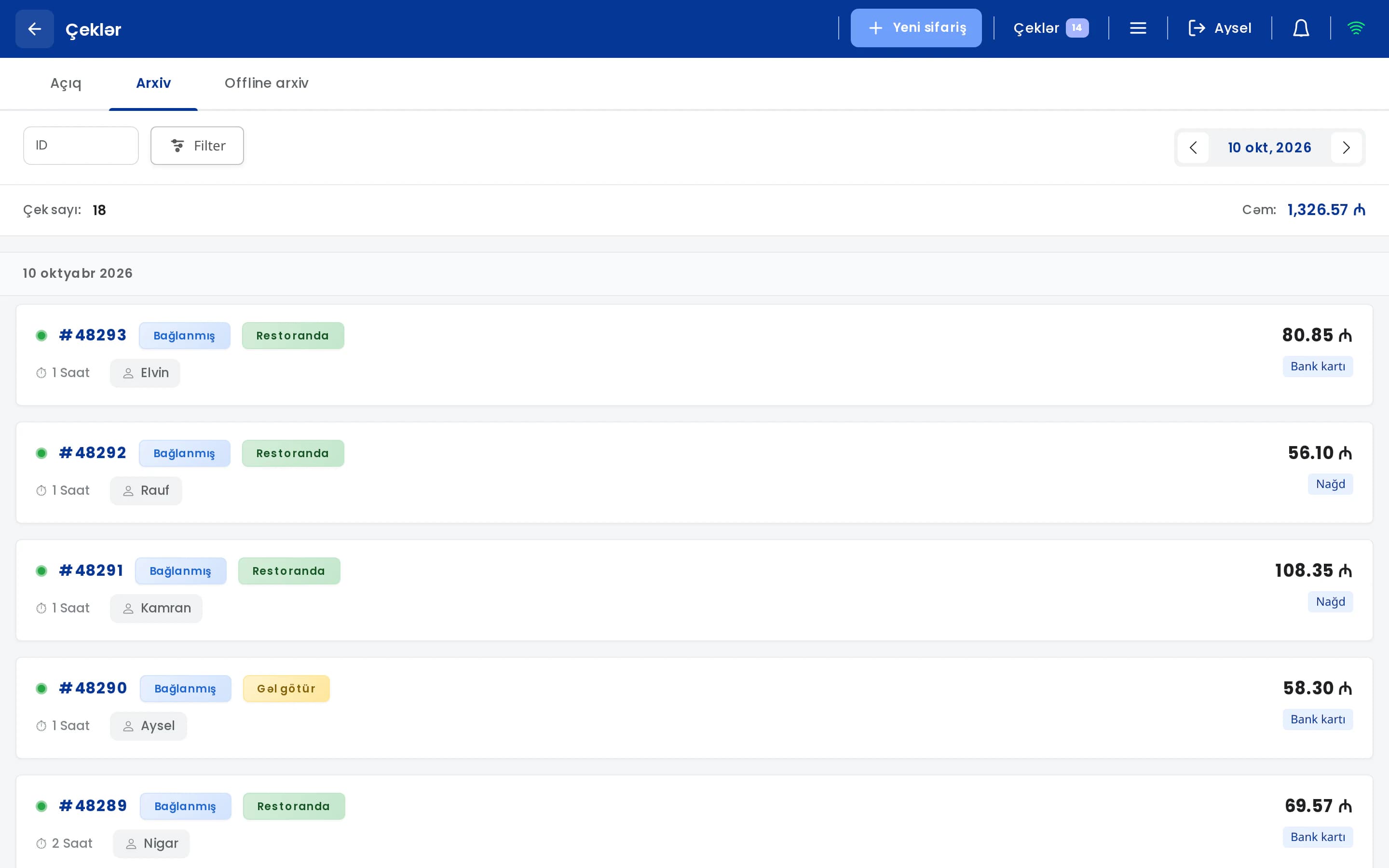
The register itself includes deletions, discrepancies, refunds, payments and employee reports. In the back office, the check detail shows the basket together with deleted items and the operation history. The suspicious actions log and the activity log record changes with before and after values, sign-ins and IP blocks. Stock counts (FIFO-based) and write-offs with reasons are handled in the back office as well.
The UniPOS Manager app (Android) sends push notifications about deletions. Notifications can be set to all events, important events only or selected types, separately for each branch. The app's dashboard has dedicated widgets for suspicious actions and deletions. The AI assistant, available as a separately enabled module, can answer questions about suspicious actions and the action log. It only reads and explains data, and key figures should still be checked in the reports. The rest of the register's features are described on the POS system page.
See register control on real scenarios
In a demo we'll show how void, discount and pre-check permissions are set up and which reports the owner sees, based on how your venue actually works.
Request a demo