Entertainment venues
Billiard and PlayStation Club Software for Hourly Billing
How billiard clubs, PlayStation lounges and hookah bars bill by time: per-minute vs rounded rates, minimum time, one check for time and bar, with AZN examples.
UniPOS10 min read
In a billiard club, a PlayStation lounge or a hookah lounge, the main thing you sell is time. A restaurant guest pays for food; here the guest pays for the time spent at the table. That changes how the accounting has to work. If the start time, end time and rate of every table are not recorded precisely, part of the revenue never appears in any report.
This article covers the basics of hourly billing, setting rates per table, combining playing time and bar orders on one check, and closing a shift under control. All amounts are in AZN. The figures are illustrative; the calculation method is the same for any club.
Contents
- How hourly billing works
- Setting hourly rates per table
- Revenue lost with manual time tracking
- Table time and bar orders on one check
- Using timer reports to analyse table revenue
- Cash control at the end of a shift
- What to check when choosing billiard club software
- Hourly billing and timers in UniPOS
How hourly billing works
Hourly billing rests on two numbers: the table rate and the length of the session. The charge for playing time is calculated as follows:
Time charge = hourly rate ÷ 60 × minutes played
On a table charged at 12.00 AZN per hour, one minute costs 0.20 AZN. A session of 1 hour 47 minutes (107 minutes) comes to 107 × 0.20 = 21.40 AZN.
In practice, clubs use one of two methods. With per-minute billing, the guest pays for the minutes actually played. With rounded billing, the time is rounded up to a set increment: 10 minutes, 15 minutes, half an hour or a full hour. Here is the same 107-minute session under different rules:
| Billing rule | Time charged | Amount (AZN) |
|---|---|---|
| Per minute | 107 minutes | 21.40 |
| Rounded up to 10 minutes | 110 minutes | 22.00 |
| Rounded up to 15 minutes | 120 minutes | 24.00 |
| Rounded up to a full hour | 120 minutes | 24.00 |
Per-minute billing is the most transparent for guests and causes the fewest disputes. Rounding adds a little revenue to every session, but guests need to know the rule in advance. The most common complaint comes from a guest who played 62 minutes and was charged for two hours. Whichever method you choose, show it in writing on the price list or next to the table.
Minimum playing time
Many clubs set a minimum session length, usually 30 or 60 minutes. This keeps very short sessions from tying up a table. Say the minimum is 30 minutes and a group plays for 18. The charge is calculated for 30 minutes: 30 × 0.20 = 6.00 AZN. Per-minute billing would have produced 3.60 AZN. Like rounding, the minimum should be communicated to guests before they start.
When to start the timer
However precise the billing rule, a timer started late still produces the wrong total. Give staff a simple rule. The timer starts when guests pick up the cues or controllers, not while they're sitting and waiting. When the session ends, the timer is stopped before the check is printed. If guests move to another table, that change should be recorded at the POS right away.
Setting hourly rates per table
Not every table in a club has the same value. A large Russian billiards table, a VIP room or a PlayStation room with a big screen sells for more than a standard table. That is why rates should be set per table, not per hall. A sample price list might look like this:
| Hall | Table or station | Hourly rate (AZN) | Per minute (AZN) |
|---|---|---|---|
| Billiards | Pool tables 1-4 | 9.00 | 0.15 |
| Billiards | Russian billiards tables 5-6 | 12.00 | 0.20 |
| Billiards | VIP room | 18.00 | 0.30 |
| PlayStation | Console stations 1-6 | 6.00 | 0.10 |
| PlayStation | VIP room | 15.00 | 0.25 |
| Lounge | Booths | 9.00 | 0.15 |
Choosing rates that divide evenly by 60 makes life easier. The per-minute price comes out in whole qapik, so both the cashier and the guest can check the total.
Hookah lounges typically use one of two models. In the first, a hookah is sold as a regular item at a fixed price. In the second, the booth or table is billed by the hour and the hookah is added to the check as a separate item. Some lounges bill the hookah itself by time. Whichever model you use, don't mix several rules on the same table, or guests won't understand their check.
In a PlayStation club, each console is treated as its own table. If you charge extra for a second controller or a large screen, either build it into the rate or add it to the check as a separate service. The point is that the cashier should never have to remember a price or work it out on a calculator.
Revenue lost with manual time tracking
Small clubs usually record time in a notebook, on a phone stopwatch or on a slip of paper left on the table. That works for the first few months. As the number of tables grows and the hall fills up in the evening, errors multiply:
- Start times are written down late. The cashier opens the table, the guests start playing, and the time gets noted 5-10 minutes later.
- Time is rounded down. 1 hour 12 minutes is written as "1 hour" because staff don't want an argument.
- Table changes are missed. Guests move from a standard table to the VIP room, but they're still billed at the old rate.
- Free games go unrecorded. A game given to friends or regulars doesn't show up anywhere.
- Disputes with guests. Without an accurate written record, staff end up accepting whatever time the guest claims.
- The owner has no control. At the end of the shift there's no reliable source to compare the cash drawer against.
Let's size this loss with illustrative numbers. A club has 8 billiard tables, an average rate of 12.00 AZN and about 5 sessions per table per day. Only 5 minutes per session goes unrecorded:
8 tables × 5 sessions × 5 minutes = 200 minutes a day
200 minutes × 0.20 AZN = 40.00 AZN a day. Over 30 days that adds up to 1,200 AZN.
That figure doesn't include free games, VIP sessions billed at the old rate or bar orders that were never written down. The bigger problem is that this loss doesn't appear in any document. The cash drawer isn't short; the sales were simply recorded as lower than they really were.
Table time and bar orders on one check
In billiard and PlayStation clubs, a large share of revenue comes from the bar: tea, coffee, soft drinks, snacks and hookahs. When time is tracked in one place and bar orders in another, the guest gets two separate bills and the cashier adds them up by hand. The chance of a mistake goes up.
In a properly set up system, opening a table also opens a check. The timer is tied to that check, and bar orders are added to the same check. For example:
| Item | Quantity | Price (AZN) | Amount (AZN) |
|---|---|---|---|
| Playing time, Russian billiards table 5 (12.00 AZN/hour) | 2 hours 20 minutes | 0.20 / minute | 28.00 |
| Tea set | 1 | 9.00 | 9.00 |
| Lemonade | 4 | 3.50 | 14.00 |
| French fries | 2 | 5.00 | 10.00 |
| Total | 61.00 |
The guest receives one check showing both the time and the drinks. Payment is taken once. If the group wants to pay part in cash and part by card, that is handled within the same check. In this example, time accounts for 28.00 AZN and the bar for 33.00 AZN. If bar sales weren't tracked separately, more than half of the check would be outside your control.
Deposits and minimum spend
For VIP rooms and holiday evenings, clubs often require a deposit or a minimum spend. A deposit is an amount the guest pays up front, which is later counted toward the check. A minimum spend sets the lowest amount that must be paid for the room.
Example: the PlayStation VIP room has a minimum spend of 50.00 AZN. A group plays for 2 hours (2 × 15.00 = 30.00 AZN) and orders 14.00 AZN of drinks. The check total is 44.00 AZN, but the group pays the 50.00 AZN minimum. Guests should hear about this rule when the room is offered, not at payment.
Using timer reports to analyse table revenue
Once every session is recorded in the system, the owner can see the real performance of each table. Two metrics are especially useful: table occupancy and bar revenue per hour of play. Occupancy is calculated like this:
Occupancy % = hours played at the table ÷ hours the club is open × 100
If the club is open 12 hours a day, each table has 12 × 30 = 360 available hours per month.
An illustrative month:
| Table | Rate (AZN/hour) | Hours played | Time revenue (AZN) | Bar revenue (AZN) | Occupancy | Bar revenue per hour played (AZN) |
|---|---|---|---|---|---|---|
| Pool table 1 | 9.00 | 200 | 1,800 | 1,100 | 55.6% | 5.50 |
| Pool table 2 | 9.00 | 170 | 1,530 | 950 | 47.2% | 5.59 |
| Russian billiards table 5 | 12.00 | 110 | 1,320 | 770 | 30.6% | 7.00 |
| VIP room | 18.00 | 60 | 1,080 | 1,260 | 16.7% | 21.00 |
A few conclusions follow from this table. The pool tables are used the most, but their bar sales are low. The VIP room sits empty most of the month, yet its bar revenue per hour is several times higher than at the other tables. Rather than cutting the VIP rate, it may make more sense to market the room for corporate groups and birthdays. The Russian billiards table runs at about 30% occupancy, which is a reason to consider a separate daytime offer for it.
This kind of analysis is only possible when every session is recorded in the system. Pulling the same figures out of a notebook takes hours of manual calculation.
Cash control at the end of a shift
In time-billed clubs, most revenue comes in the evening and late at night. The owner is often not on site during those hours, so the shift-closing procedure should be defined in advance:
- Open and close shifts in the system. Each shift's start and end time, cashier and sales should be recorded separately.
- Check open tables before closing. If a timer is still running, either close the check or hand the table over to the next cashier.
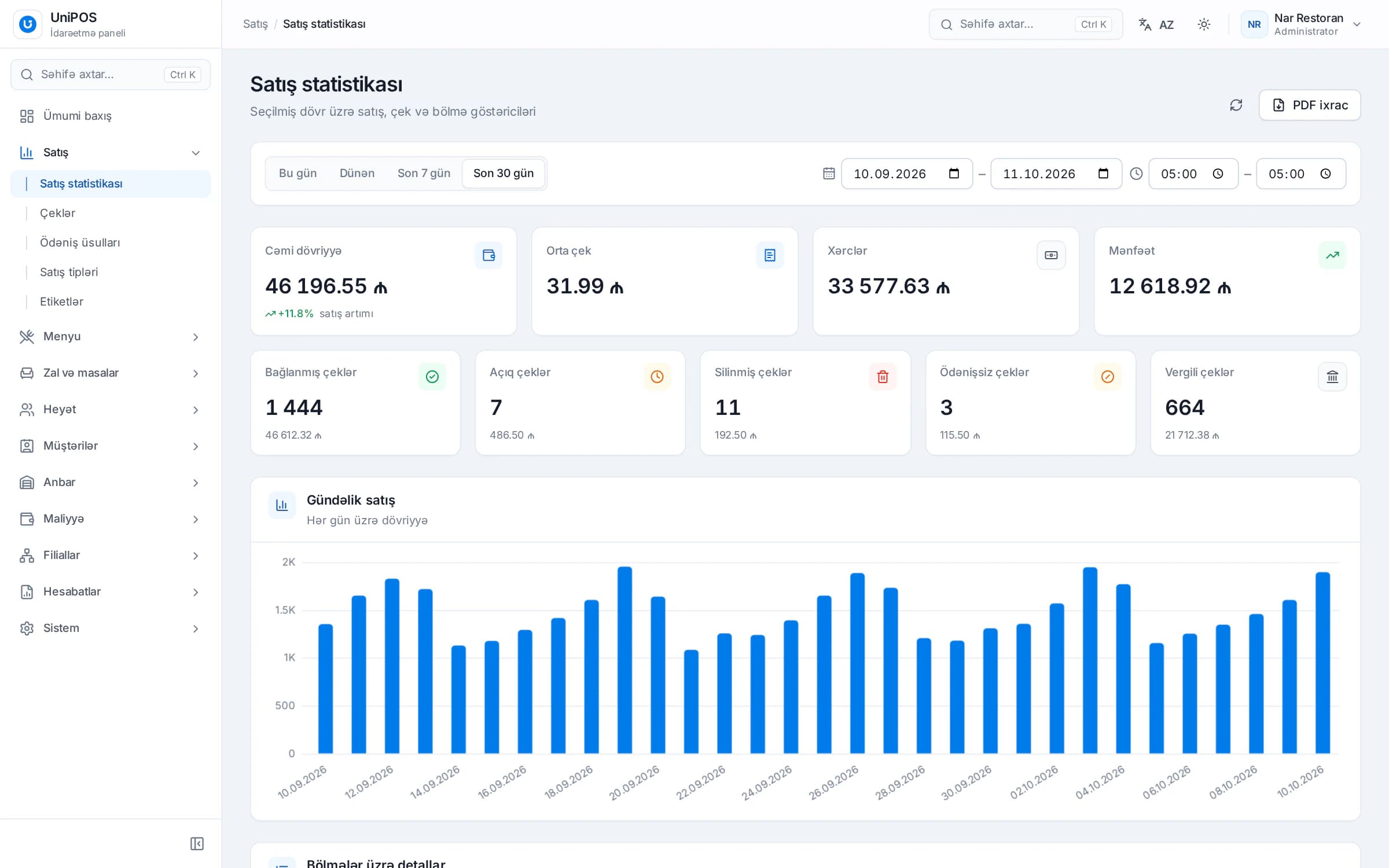
- Review time revenue separately from bar sales. Compare timer revenue with previous days. If the hall was busy but time revenue dropped, find out why.
- Review deleted and discounted checks. Every deletion and discount should have a reason. Repeated deletions by the same employee deserve attention.
- Reconcile payments. Compare cash and card payments in the system with the actual cash in the drawer and the bank terminal report.
- Record free games as comps. Free time given with the owner's approval should still be visible in the system.
None of this should feel like distrust of your staff. Clear rules protect honest employees too, because the source of every amount is on record.
What to check when choosing billiard club software
Many POS systems are built for restaurants and don't support time-based billing. When choosing software for a billiard, PlayStation or hookah club, ask the vendor these questions:
- Can each table have its own hourly rate?
- Is the timer visible on the floor plan, along with the running total?
- Do playing time and bar orders go on the same check?
- Is time billed per minute or rounded, and how is that rule configured?
- If you use different daytime and evening rates, how is that set up?
- Are deposits and minimum spend supported?
- Is there a separate report by hall, table and timer?
- Are deletions and discounts controlled by separate permissions, and is an operation history kept?
- Do sales continue when the internet goes down?
- Are fiscal receipts printed through E-Kassa?
- Can the owner monitor the club from a phone?
General selection criteria are covered in detail in how to choose a POS system: 10 key criteria.
Hourly billing and timers in UniPOS
The UniPOS POS has time-based billing as a dedicated feature, used for billiard, PlayStation and hookah tables. Club features are described on the entertainment venues page, and hookah lounge features on the bar and lounge page. A short overview:
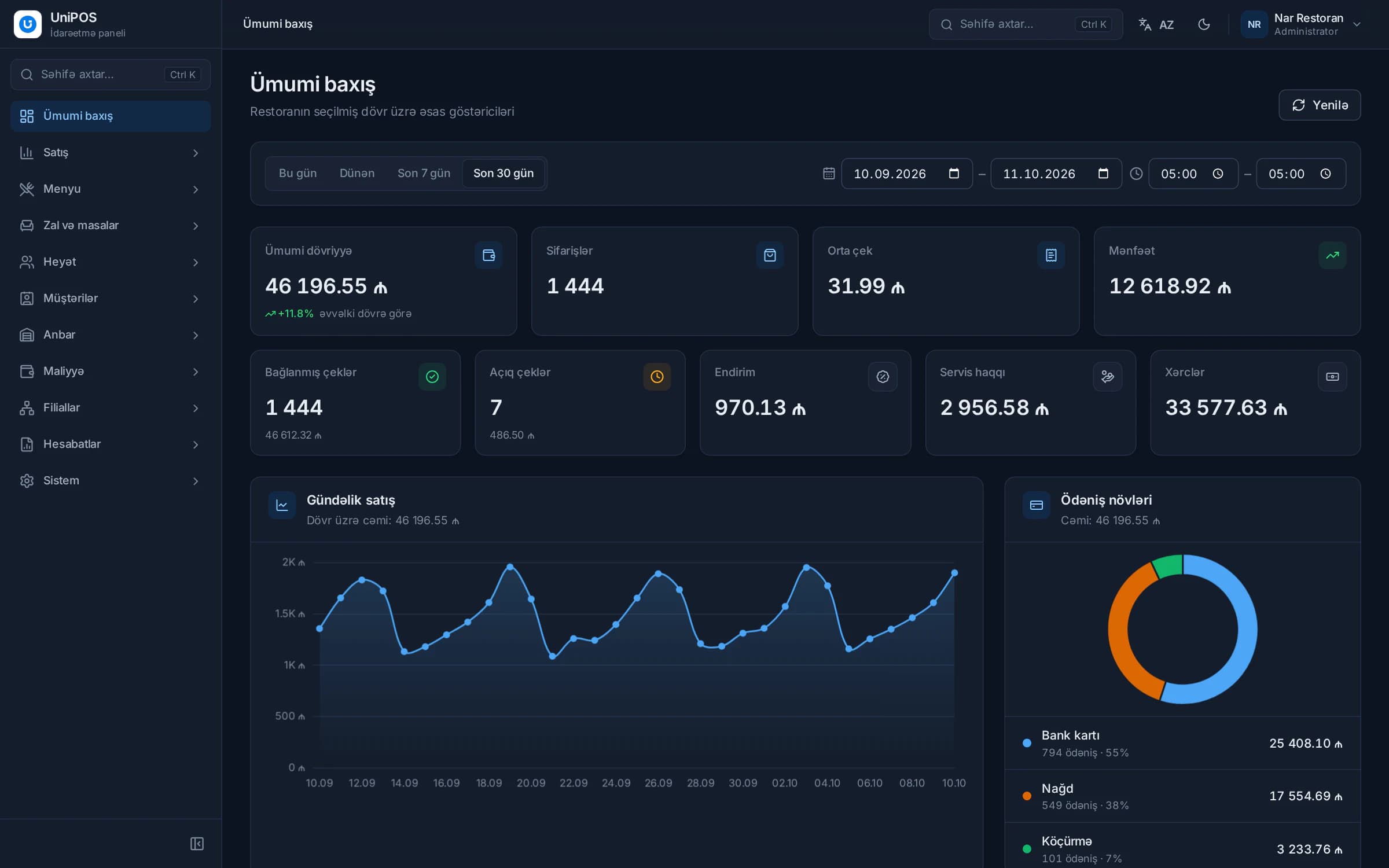
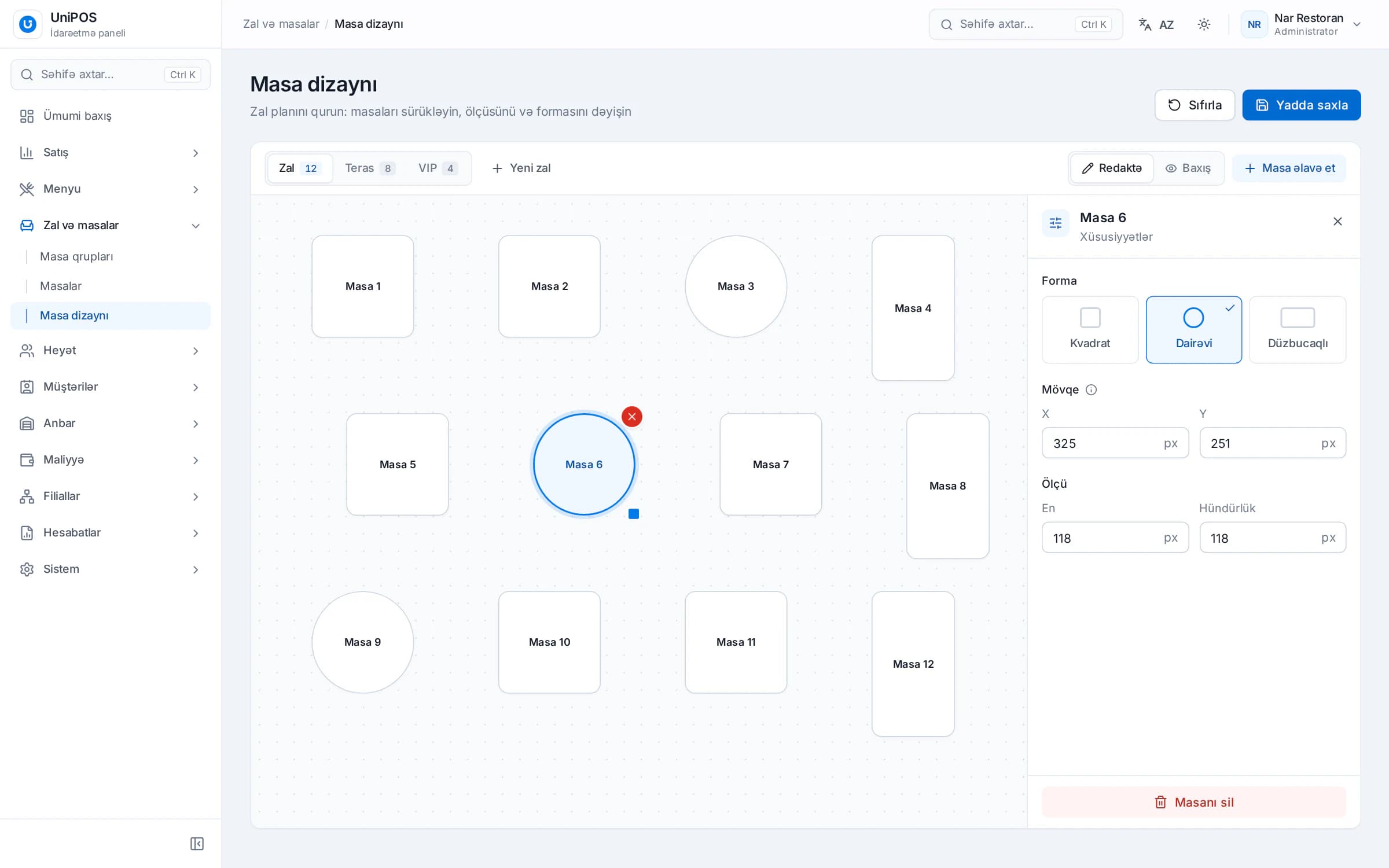
The hall layout is built in the table designer of the back office. Tables are dragged into place, and a service charge can be set per table group. Fiscal receipts are printed through the E-Kassa integration, and a payment can be split across two methods. When the internet goes down, sales and payments continue: data is stored on the POS computer itself and sent to the server automatically once the connection is back.
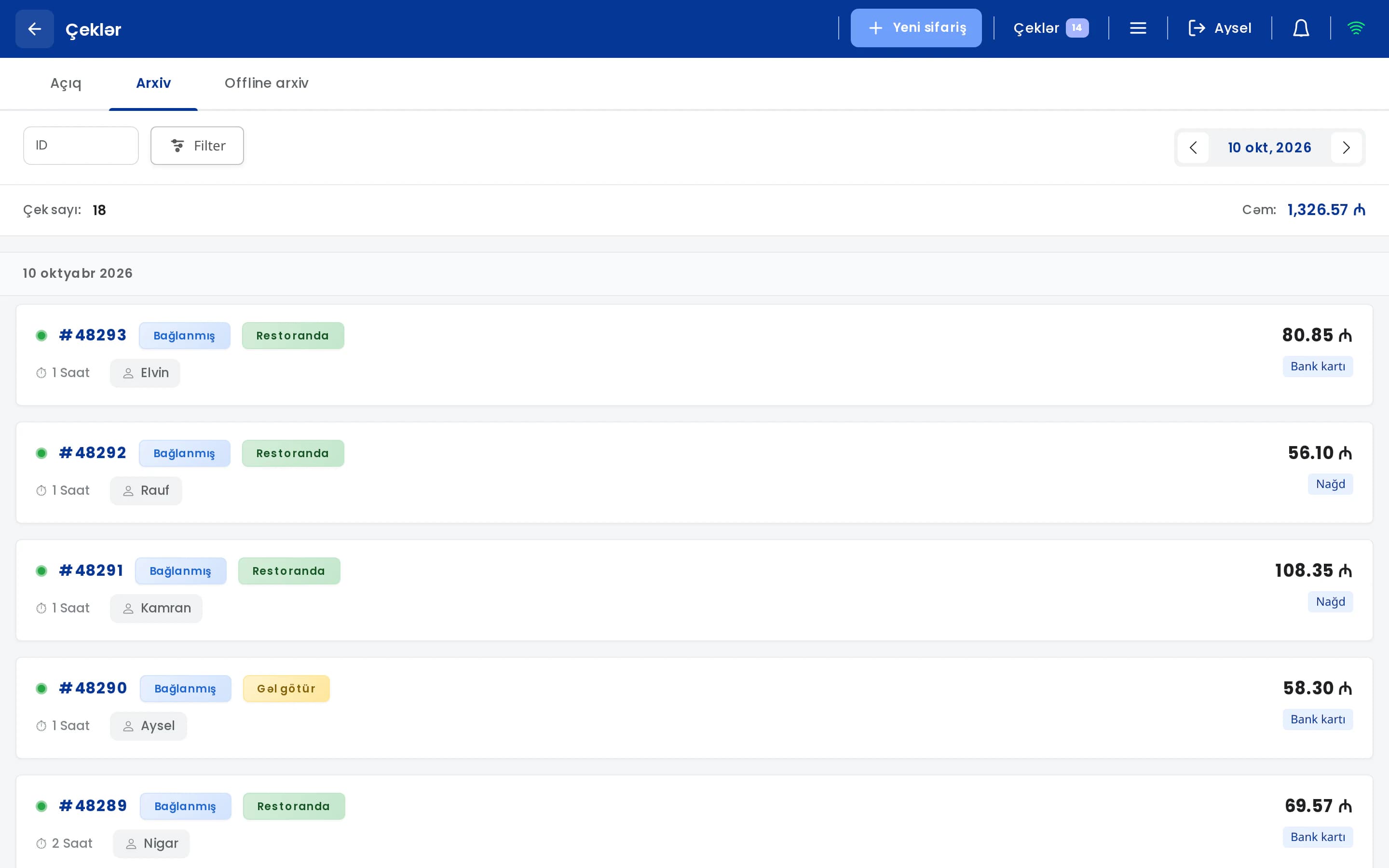
For owners there is the UniPOS Manager mobile app (Android). It sends notifications about timer events, payments and deletions. Notifications can be limited to important events and configured per branch. Table groups and tables, including each table's shape, deposit and hourly rate, can also be edited from the phone.
We recommend confirming during a demo, using your own rates, how rules such as rounding and minimum playing time will apply in your club.
Your rates, set up in the system
During the demo we'll set up your tables and hourly rates in UniPOS and show how playing time and bar orders are calculated on one check.
Request a demo